
Two streams
We have two streams for our members to follow; one for the younger members (ages 9 and 10) who have never really coded before we use a small programmable device called a BBC Micro:bit, whilst for older members (aged 11-16), and those who have coded using scratch-like programming languages before, we use the more sophisticated Arduino.
Coding using the BBC Micro:bit (ages 9 and 10)
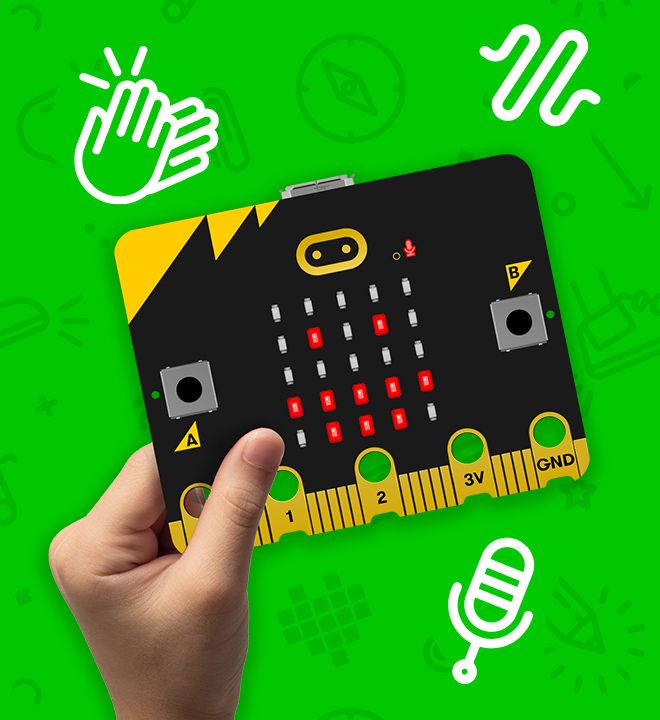
The BBC Micro:bit is a great introduction to coding and electronics. It is coded using a Scratch-like programming language which requires coders to drag blocks of code to a work area and create their very own programs.
The Micro:bit contains built-in sensors that can be used to build games and useful programs without having to connect anything else to them.
Once coding has been mastered using the built-in sensors, young coders will learn to communicate with other BBC Micro:bits and build networks. Finally, we will have a look at using a couple of electronic components to extend the usefulness of the Micro:bit.
The Ormskirk Code Club has its own supply of BBC Micro:bits, so there is nothing for you to purchase, though these cannot be taken home for practicing with and extending a member’s knowledge and understanding. If you want your young coder to continue experimenting at home, then you can purchase your own BBC Micro:bit Go. However, it is not essential for participation in this stream.
You will also need to provide your young coder with a Windows/Mac laptop. Programs will be coded using the laptop and uploaded to the BBC Micro:bit for execution. Chromebooks may work, but none of our helpers are experts in their use. As a result we don’t recommend them and cannot support them during our sessions.
Coding using the Arduino (ages 11 to 16)
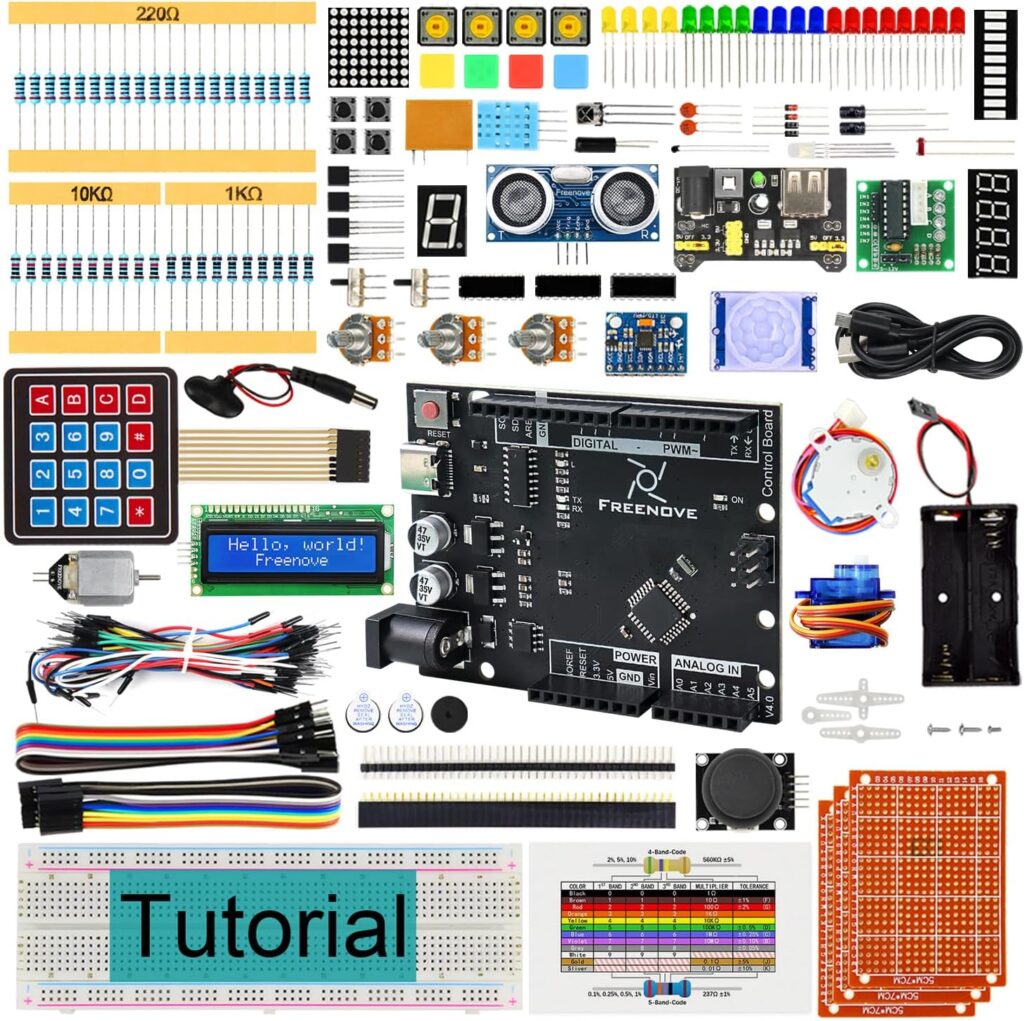
The Arduino is a more advanced device that is used to teach coding and electronics to slightly older members. Rather than using the graphical Sketch-like programming language, it is coded using the highly popular C programming language – as used by many professionals. Unlike the BBC Micro:bit, this device is designed to control external electronic circuits and this stream will also introduce the codes to these and how they can be used to perform some quite advanced tasks.
The kits that we use for this stream are manufactured by Freenove and are called the Ultimate Starter Kit – they included everything our young coders will need to build circuits and connect them to the Arduino (included).
You will need to purchase a Freenove Ultimate Starter Kit for your young coder. They are available from Amazon and will need to be obtained for the first session that your young coder attends our Code Club.
Required computer
Your young coder will need to attend sessions with a Windows or Apple Mac laptop.
Windows computers should be equipped with Windows 10, or 11, and have at least 8GB of memory (RAM) installed. Simply go to Settings > System > About to find out whether your laptop is suitable.
Apple MacBooks with an Intel chip should be running MacOS 10.15 (Catalina) or newer and have at least 8GB of memory (RAM).
Apple MacBooks with an Apple M chips (M1, M2, etc.) require MacOS 11 (Big Sur) or newer and have at least 8GB of memory (RAM).
To find out whether your MacBook laptop meets the minimum specifications click on the Apple logo in the top left corner of the screen, select About this Mac and the memory and operating system should be visible from the pop-up window that appears.
From experience, we do not recommend ChromeBooks as we do not have the expertise to troubleshoot these devices – in the past it has often taken longer than the 1 hour session we have available to us to resolve issues.